The Weekly Client Update That Prevents Fires
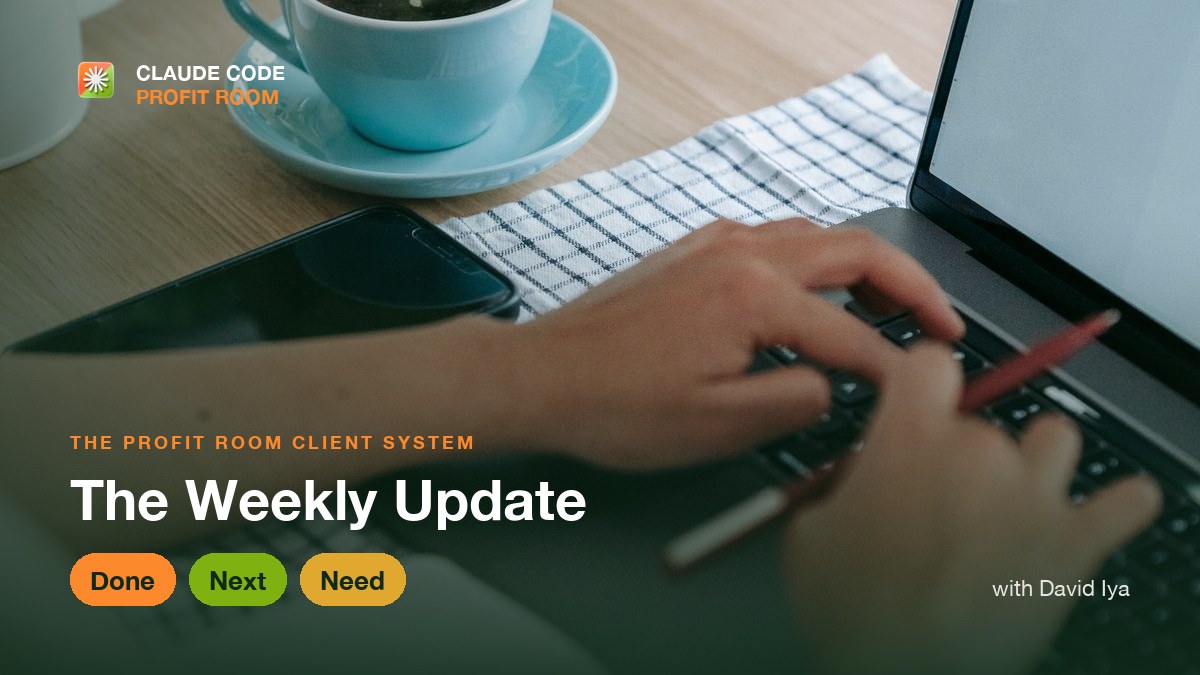
- Most client fires start with silence, not bad work. A predictable update puts them out before they start.
- Send the same three lines every week: what got done, what is next, and what you need from them.
- The update is not a status report - it is trust maintenance that quietly protects the whole project.
What a Weekly Client Update Should Say
A weekly client update should be three short lines sent on the same day every week: Done (what you finished), Next (what you are doing next), and Need (what you need from the client, if anything). That is enough to show momentum, set expectations, and surface any blocker while it is still small. Send it even on slow weeks - the predictability is what keeps a client calm, because most client blowups are caused by silence, not by bad work. Long updates get skimmed and stop getting sent, so keep it tight enough that you will actually send it every week.
A client who does not hear from you does not assume everything is fine. They assume the worst. Every quiet day, the story in their head gets darker - the build is late, the money is wasted, the builder has vanished - until a small worry becomes a panicked email or a demand for a call. The work might be going perfectly, but silence has already lit the fire.
A weekly client update prevents that fire by removing the vacuum silence creates. When a client knows a clear, honest update lands on the same day every week, they stop imagining problems and start trusting the process. The single cheapest thing you can do to protect a project is refuse to go quiet, and the weekly update is how you make that a habit instead of a hope.
The Three-Line Update: The Whole Format
The weekly update does not need to be long. In fact, long updates get skimmed and stop getting sent. The format that actually gets read, and that you will actually keep sending, is three short lines. Name it so it becomes automatic: Done, Next, Need.
| Line | What it says | What it does for the client |
|---|---|---|
| Done | What you finished this week | Shows momentum and where the money went |
| Next | What you are doing next week | Sets expectations so nothing feels late |
| Need | What you need from them, if anything | Turns a stalled item into a clear client to-do |
The three-line weekly update
Send It Even When There Is Nothing Dramatic to Report
The temptation is to skip the update when the week was slow or unglamorous. That is exactly the week you must send it. An update that only appears when there is exciting news trains the client to fear the quiet weeks. An update that arrives no matter what tells them the project is under control regardless of the pace.
A slow week still has a Done, even if it is 'worked through the tricky data mapping,' a Next, and often a Need. Sending it on the flat weeks is what builds the trust that carries you through the hard ones. Consistency, not drama, is what makes a client relax.
Use the Update to Surface Blockers While They Are Small
The Need line is quietly the most valuable part of the whole update, because it is where you catch problems while they are still cheap to fix. A missing login, an unanswered decision, a piece of content you are waiting on - left unspoken, each of these becomes a stalled build and an awkward conversation later. Named every week, they become a small, normal client task.
Why the Update Is Really About Trust, Not Status
On the surface the weekly update is a status report. What it actually does runs much deeper. It makes you look in control, because only a builder who knows where their project stands can summarize it in three lines. It makes the client feel respected, because their money and their attention are being kept in the loop. And it removes the dreaded 'any progress?' message that signals a client's confidence is already slipping.
Do this for the length of a build and something compounds: the client stops managing you and starts trusting you. That trust is what turns one project into repeat work and referrals, and it costs you three lines a week to earn.
How to Run a Weekly Client Update, Step by Step
Make the update a fixed routine, not a thing you remember to do when you feel guilty. A few minutes on the same day each week is all it takes to keep every project calm and every client confident.
- Pick one day and time, and agree it with the client at kickoff so they expect it.
- Write three lines every week: Done, Next, and Need - and keep them short.
- Send it on the flat weeks too, so predictability does the trust-building for you.
- Always name any blocker in the Need line while it is still small and cheap to fix.
- Keep the tone calm and factual, so you read as in control, not as apologizing.
Short, practical drops on offers, outreach, pricing, and closing clients with Claude Code. No spam, unsubscribe anytime.
Frequently asked
What should a weekly client update include?
Three short lines: what you finished this week (Done), what you are doing next (Next), and what you need from the client, if anything (Need). That is enough to show momentum, set expectations, and surface any blocker while it is still small. Long updates get skimmed and eventually stop getting sent, so keep it tight enough that you will actually send it every week.
How often should I update a client during a build?
Once a week, on the same day, is the sweet spot for most builds. It is frequent enough that the client never sits in silence long enough to imagine problems, and rare enough that it does not become noise. Send it even on slow weeks - the predictability is what builds trust, and skipping quiet weeks trains the client to worry when things go quiet.
What do I put in a weekly update when nothing much happened?
Send it anyway with an honest Done, even if it is 'worked through a tricky part of the data mapping,' plus your Next and any Need. Slow weeks are exactly when the update matters most, because an update that only appears with exciting news teaches the client to fear the quiet ones. Consistency, not drama, is what keeps a client calm.
How do I raise a problem with a client without looking bad?
Name it early, in the Need line of your regular update, while it is still small. A blocker raised the week it appears is a shared to-do; the same blocker raised late, after it has caused a delay, looks like you failed to speak up. Keeping problems visible and early is what makes you look in control, not the absence of problems.
Last reviewed July 18, 2026.

Co-founder of the Claude Code Profit Room. Went from shipping software to closing paying clients, and now teaches builders the selling half of the equation.
More from David Iya →